Works on save
Tap Save and the app gets its new ID right away.
Plugin for Device ID Changer
A new Android ID normally needs a reboot. With Instant Apply, it works as soon as you save it.
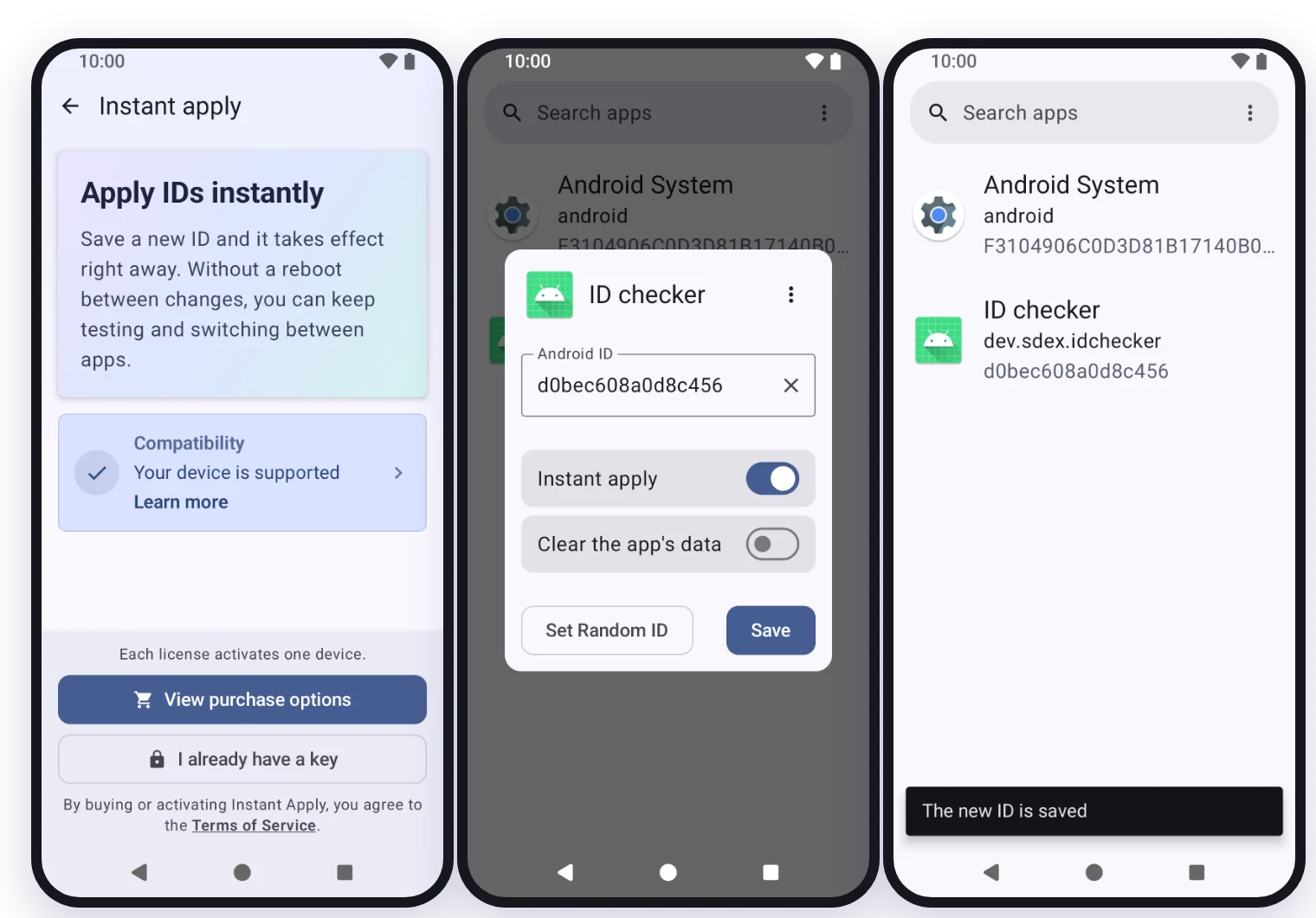
Tap Save and the app gets its new ID right away.
Try one ID after another without rebooting.
Only the changed app stops; the rest of the phone keeps running.
The app is free. Download it from GitHub.
Pay once, and your license key arrives by email.
Tap Activate in the app in the email, or open Device ID Changer, choose Instant apply and enter the key.
From then on, change as many IDs as you like.
$40 one-time
Any coin the payment page offers.
Card, PayPal, Apple Pay or Google Pay, on Gumroad.
$40 is the base price: the total at checkout may include payment fees and, where they apply, taxes such as VAT.
By buying, you agree to the Terms of Service. See the Refund Policy and Privacy Policy.
Tap Pay by card to pay on Gumroad by card, PayPal, Apple Pay or Google Pay, or Pay with crypto, choose a pack, enter your email and pay in any coin the payment page offers. Once the payment is confirmed (within minutes by card; within 20 minutes and usually much faster in crypto), we email your license key and a download link.
One device. When you get a new phone, move the license to it from the app; a license can be moved 3 times in any 12 months. For more devices used at the same time, buy more licenses: a pack of 3, 5 or 10 costs less, and its licenses share one key.
Check your spam folder first. If the email isn't there, open the app, choose Instant apply, then Don't have a key, or lost it? and enter the email you paid with. Still nothing after an hour? Email support@sdex.dev from the address you paid with.